 +86 13163919000
 info@xinmeiintelligent.com

Proper fixture and tool replacement is essential for maintaining machining accuracy and operator safety. This guide provides step-by-step instructions for Xinmei CNC machines.
Safety Precautions
Before performing any tool or fixture changes, ensure the following safety measures:
- Ensure the machine is in a complete stop state
- Verify the emergency stop button is accessible
- Wear appropriate personal protective equipment (PPE)
- Clean the work area of chips and coolant
- Ensure proper lighting in the work area
1Replacing Cutting Tools
Follow these steps to safely replace cutting tools in your Xinmei machining center:
Step 1: Stop the Machine
Press the spindle stop button (M05) and wait for complete spindle stop. Never attempt to change tools while the spindle is rotating.
Step 2: Position the Spindle
Move the spindle to the tool change position using manual mode or the designated tool change command.
Step 3: Loosen the Tool Holder
Use the tool release button or command to loosen the tool holder. Support the tool to prevent dropping.
Step 4: Remove the Old Tool
Carefully remove the old tool and inspect for wear or damage. Clean the tool holder taper.
Step 5: Install the New Tool
Insert the new tool ensuring proper seating. Engage the tool clamping mechanism and verify secure grip.
Step 6: Verify Installation
Perform a tool length measurement and update tool offset values in the CNC controller.
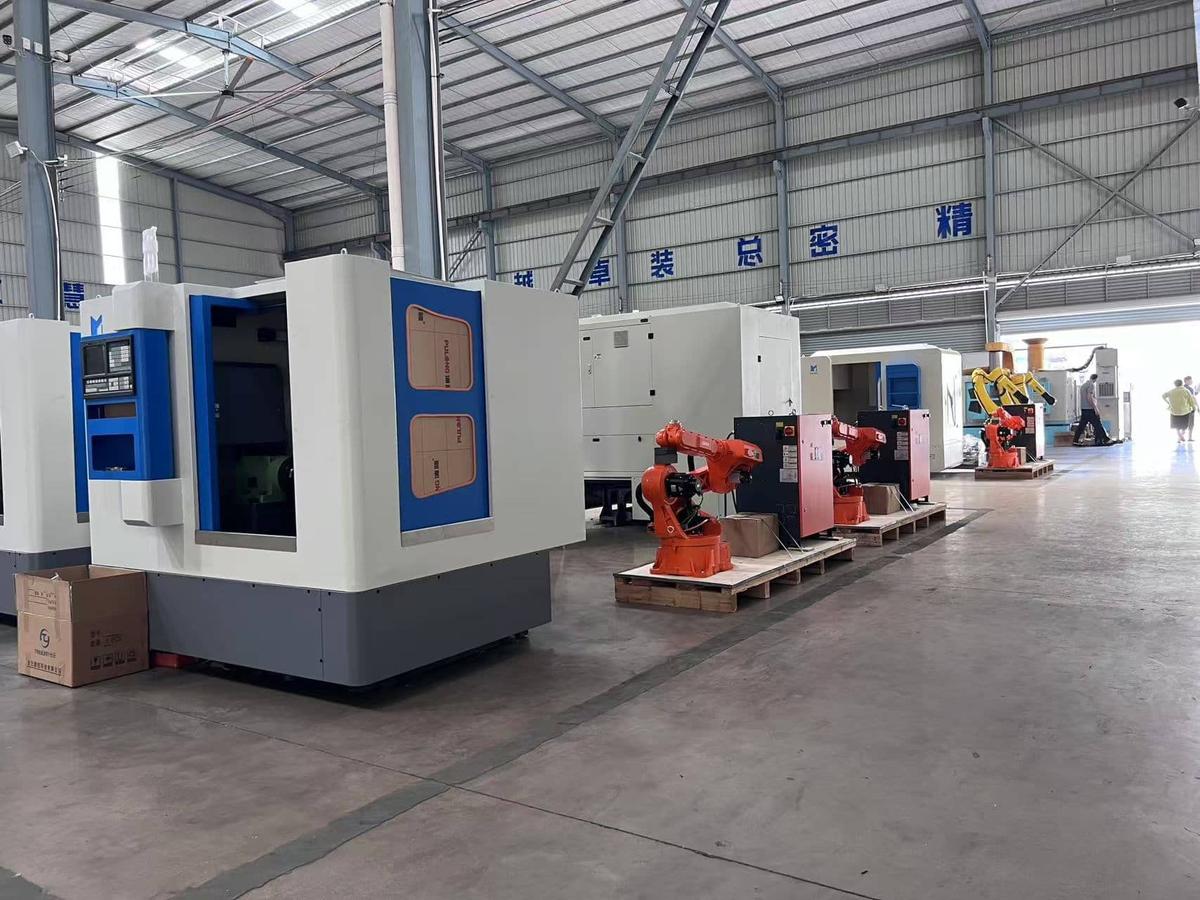
Tool changing operation on Xinmei CNC machine
2Replacing Fixtures
Proper fixture installation ensures accurate workpiece positioning and secure clamping:
Step 1: Prepare the Work Table
Clean the work table surface thoroughly. Remove any chips, coolant residue, or debris.
Step 2: Position the Fixture
Align the fixture with the T-slots or mounting holes. Use alignment pins if available.
Step 3: Secure the Fixture
Tighten mounting bolts in a cross pattern to ensure even clamping force. Check for any movement.
Step 4: Verify Alignment
Use a dial indicator to verify fixture alignment and parallelism with machine axes.
Step 5: Set Work Coordinates
Establish the work coordinate system (WCS) by probing the fixture or workpiece reference points.
Tool and Fixture Maintenance
Regular maintenance extends tool life and ensures consistent quality:
- Clean tools after each use to prevent chip buildup
- Inspect cutting edges for wear, chipping, or damage
- Store tools properly in designated holders or cabinets
- Lubricate fixture moving parts periodically
- Keep accurate records of tool usage and replacement